
In brief
A resilient registration desk needs clear states, duplicate handling and a rehearsed fallback, not only a fast QR scanner.
Rehearse the busiest few minutes
At an event entrance, the difficult moment is often several guests arriving together while a device or connection stops working. Plan for that moment before deciding how the check-in screen should look.
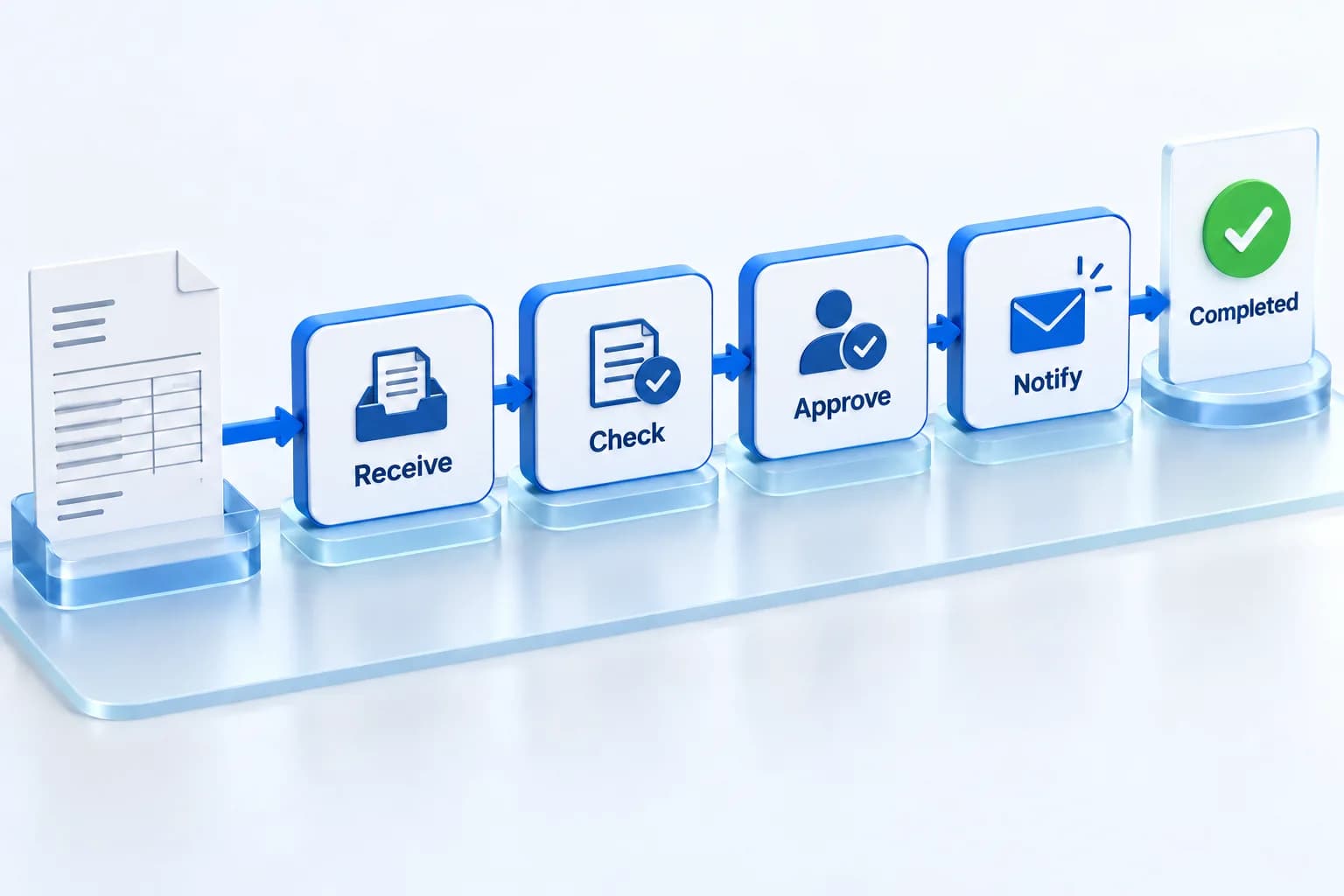
Map the normal journey: locate the guest, verify the right record, record arrival and issue any permitted badge or access item. Then ask which steps remain possible when the network is unavailable. Do not assume that a web page already open on a tablet will continue to save changes offline.
Define exactly what offline means
A fallback may be a securely prepared guest list, a dedicated offline-capable application or a staffed exception desk. Each option has different limitations. A service worker can support offline web experiences, as described by MDN, but an application still needs deliberate data-storage and synchronisation behaviour.
For example, reading a cached guest list and recording an arrival are different capabilities. Make the supported behaviour explicit and show whether a check-in is pending synchronisation or confirmed by the central system.
Prevent conflicts at multiple counters
Two disconnected devices may both admit the same record before they can compare updates. Decide how the team handles that risk for this event. Splitting queues, limiting offline actions or routing exceptions to one desk may be more suitable than pretending every device remains fully coordinated.
Record enough information to reconcile an exception later, but do not spread unnecessary attendee details across devices or printed lists. Agree who can access the fallback and what happens to it after the event.
Run a real rehearsal
Test with sample guests and the actual equipment. Turn off the connection deliberately rather than waiting for an accidental outage.
- Scan a valid record, an unknown code and a duplicate.
- Disconnect a device and test the documented fallback.
- Reconnect and verify that pending updates reconcile correctly.
- Check power, chargers, spare devices and any printer dependencies.
- Confirm who can resolve a guest exception without blocking the main queue.
Make responsibility visible
Give the desk team a short operating guide and a named escalation contact. Guests should not have to wait while several operators disagree about what a warning means.
A successful check-in system supports a clear human process. The aim is to keep the queue moving while preserving reliable attendance records, including when the ideal network conditions disappear.

